Contact Us : 800.874.5346 International: +1 352.375.0772
Traditional EA Review
with SmartAdapt™
EA Test Bank
Industry leader and preferred EA review provider.
Gleim set the standard with the Enrolled Agent review course, and we put our 50 years of experience to work for you.
Industry leader and preferred EA review provider.
Gleim set the standard with the Enrolled Agent review course, and we put our 50 years of experience to work for you.
The Gleim Methodology
What we do sets us apart.
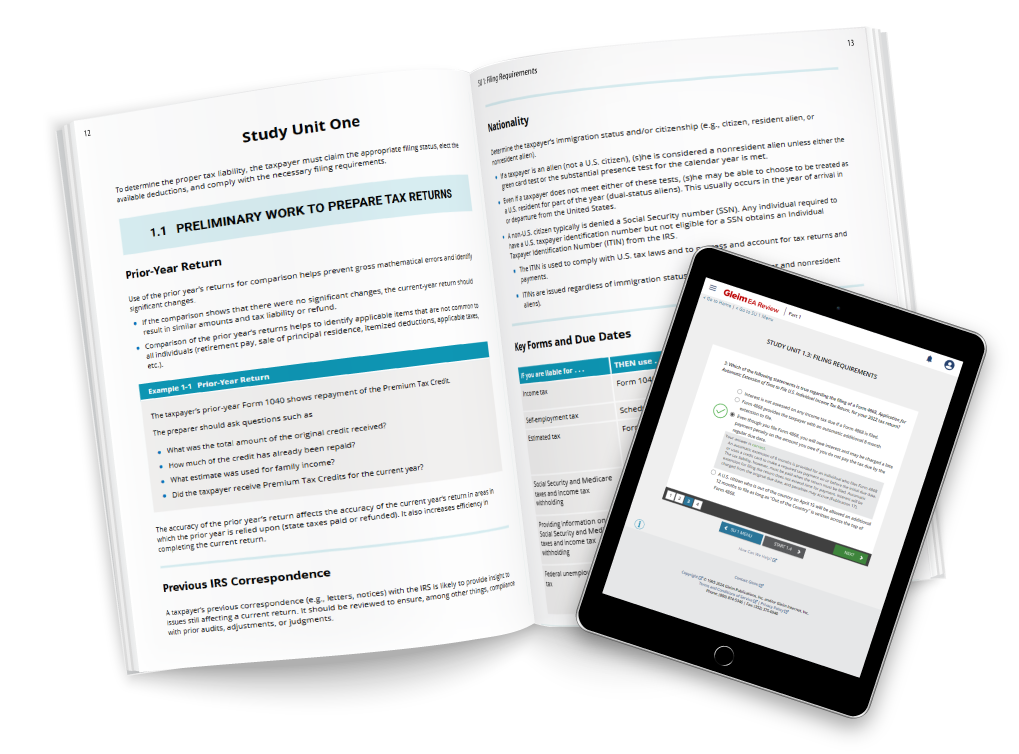
Our materials are structured to help you improve and turn every mistake into a learning opportunity. Every question in our course has explanations for both right and wrong answers because we want you to understand the concepts behind the questions. Our approach has been vetted by authors with prestigious university careers—passionate educators who have spent their lives training new generations of tax professionals
You’ll learn quickly, but more importantly, you’ll build a deep understanding of the topics that will serve you throughout your tax career.
Gleim Instruct
Redefining Self Study
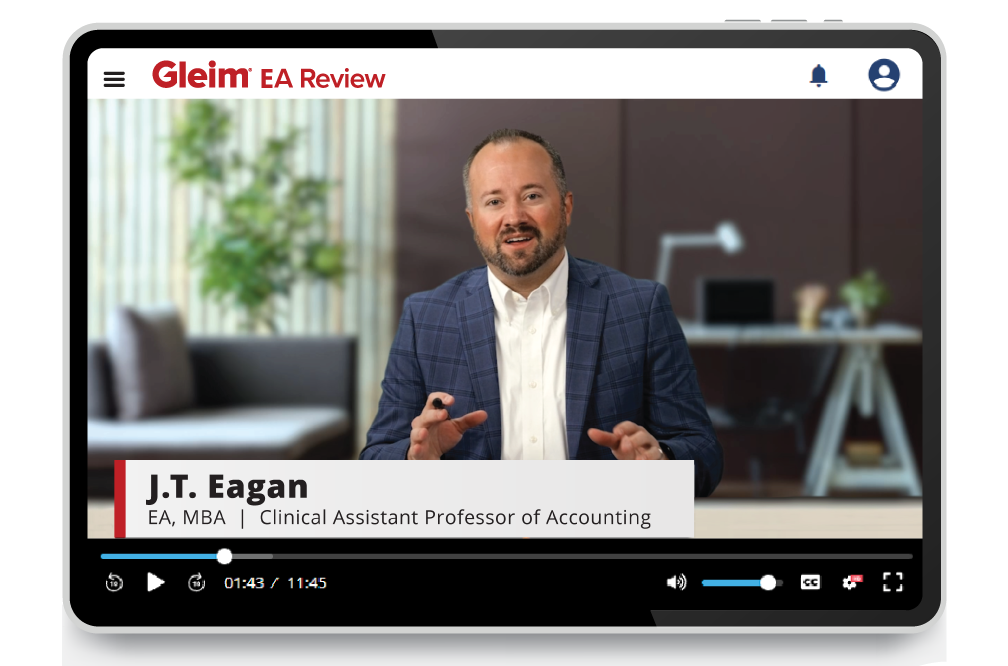
Our Premium EA Review course offers 30+ hours of Gleim Instruct video lectures. Watch as J.T. Eagan, EA and Clinical Assistant Professor in Accounting at Purdue University, walks you through comprehensive examples and important topics to ensure you fully understand each exam part.
Adaptive Technology
Know what to study. Know how to study it.
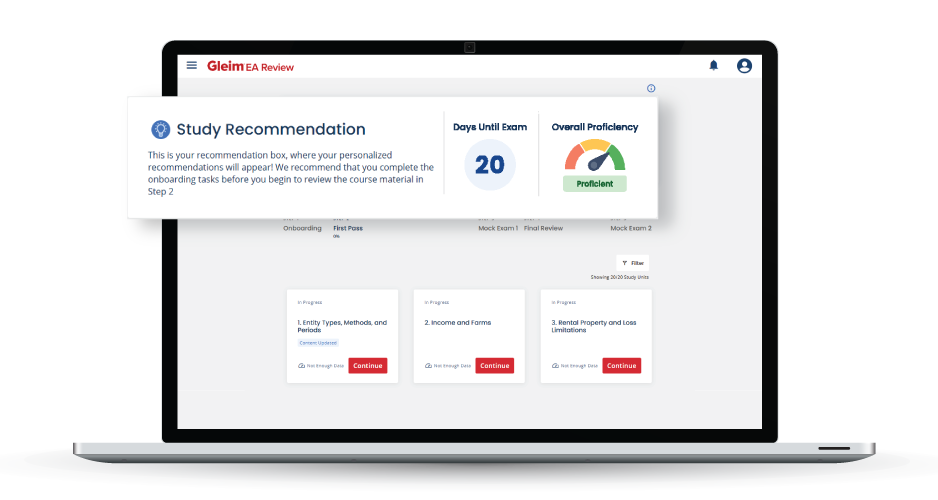
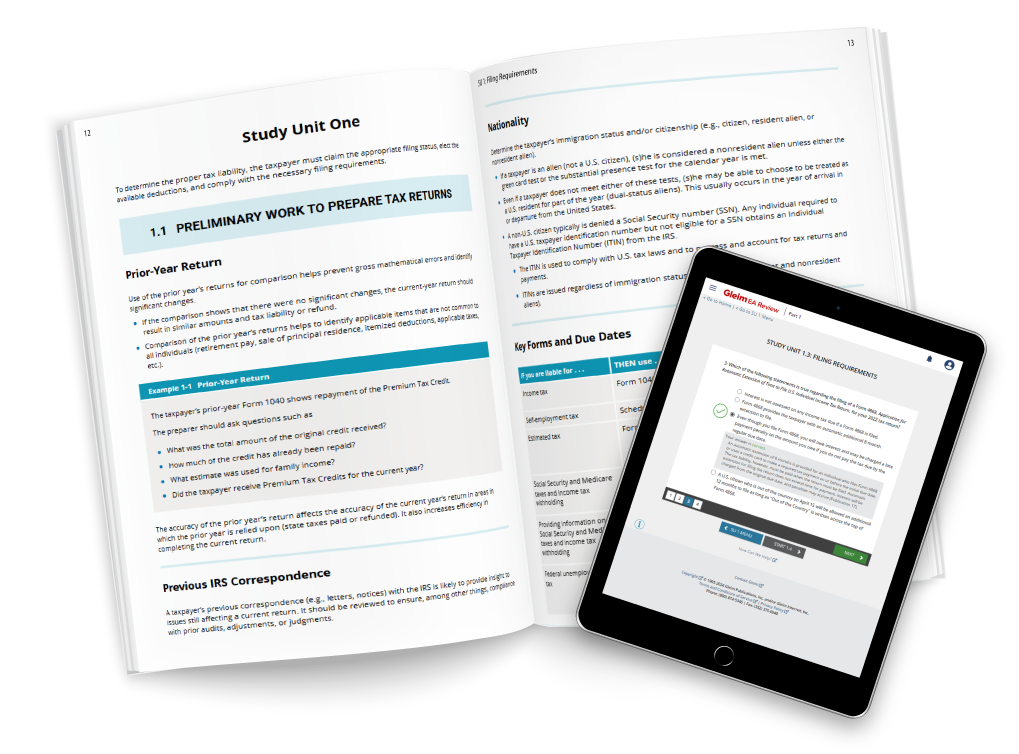
You don’t just get the best materials. You get industry-leading tools and features that guarantee you a passing score. SmartAdapt™️, our adaptive online platform, is your personal exam tutor. It evaluates your performance, guides you to the resources you need, and adjusts as your quiz scores improve. SmartAdapt even tells you when you’re ready to take your exam.
Realistic Exam Environment
Don’t just build knowledge. Build confidence.
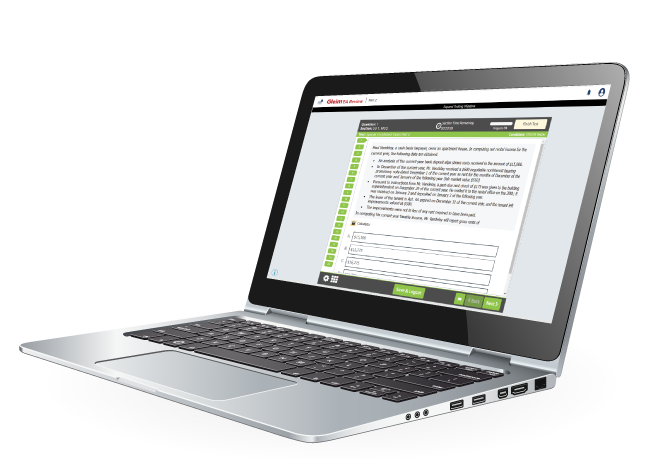
The best way to build your confidence is to become familiar with the testing environment you’ll see on exam day. Our full-length Mock Exams give you an authentic test-day experience. From test length to topic weighting, they mirror what you’ll encounter on the real EA exam. When you’re finished, your personalized Final Review highlights any topics to brush up on, so you can feel fully confident on exam day.
The Gleim Methodology
What we do sets us apart.
Our materials are structured to help you improve and turn every mistake into a learning opportunity. Every question in our course has explanations for both right and wrong answers because we want you to understand the concepts behind the questions. Our approach has been vetted by authors with prestigious university careers—passionate educators who have spent their lives training new generations of tax professionals.
You’ll learn quickly, but more importantly, you’ll build a deep understanding of the topics that will serve you throughout your tax career.
Gleim Instruct
Redefining Self Study
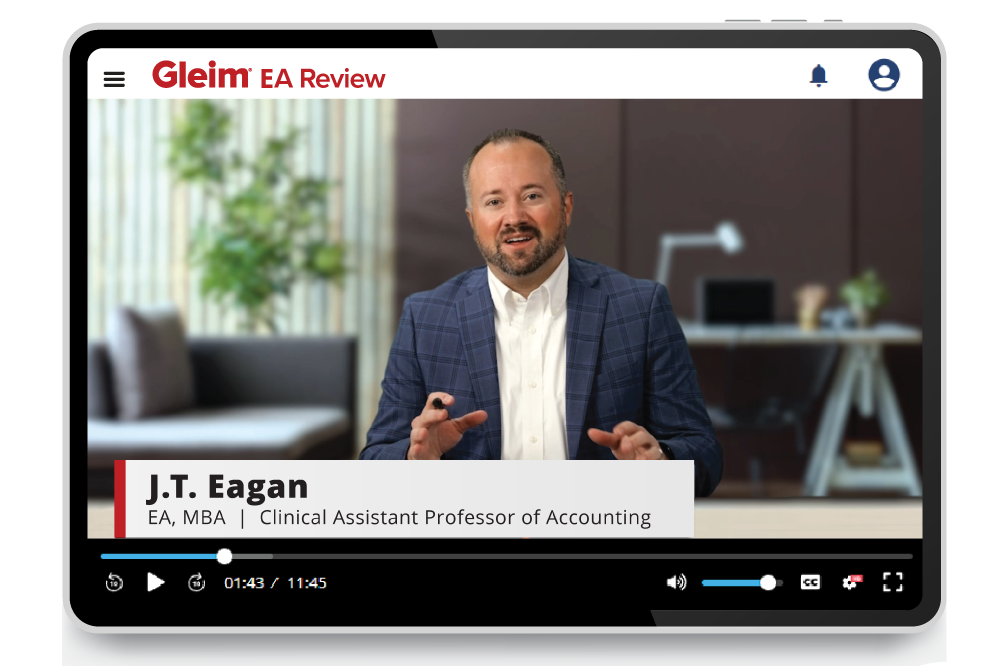
Our Premium EA Review course offers over 30 hours of Gleim Instruct video lectures. Nate Wadlinger, EA, CPA, attorney, and Lecturer in Taxation at Florida State University, walks you through comprehensive examples and important topics to ensure you fully understand each exam part.
Adaptive Technology
Know what to study. Know how to study it.
You don’t just get the best materials. You get industry-leading tools and features that guarantee you a passing score. SmartAdapt™️, our adaptive online platform, is your personal exam tutor. It evaluates your performance, guides you to the resources you need, and adjusts as your quiz scores improve. SmartAdapt even tells you when you’re ready to take your exam.
Realistic Exam Environment
Don’t just build knowledge. Build confidence.
The best way to build your confidence is to become familiar with the testing environment you’ll see on exam day. Our full-length Mock Exams give you an authentic test-day experience. From test length to topic weighting, they mirror what you’ll encounter on the real EA exam. When you’re finished, your personalized Final Review highlights any topics to brush up on, so you can feel fully confident on exam day.
From start to finish
Dedicated live support.
If you have questions, our live support team has the answer. Our Personal Counselors can help you set up your study plan, and from start to finish, they are there to guide you, celebrate with you, and most importantly, they’ll ensure your exam success. You decide how much you want them involved in your exam prep!

From start to finish
Dedicated live support.
If you have questions, our live support team has the answer. Our Personal Counselors can help you set up your study plan, and from start to finish, they are there to guide you, celebrate with you, and most importantly, they’ll ensure your exam success. You decide how much you want them involved in your exam prep!
As an adult learner, I highly recommend taking the Gleim Review System’s Access Until You Pass option. Gleim was suggested to me by several colleagues, and I strongly recommend Gleim to those who need an extended amount of time to study.

I am so excited that I managed to pass all three parts of the Enrolled Agent exam in less than a year[…] The Gleim study material and counselors are the best, and I would refer this product to my friends and colleagues!

I would recommend Gleim to a friend because Gleim makes it much easier and quite possible to pass all three parts in single attempts. I tested [it] myself; the course material is concise and yet it covers everything needed to pass the EA exam!