Instructions

How to Purchase a Course

  1. From the CPA Gleim Online start page, click the Login/Resume Study link.
  2. If you have an account already, simply login. If not, you will need to create one. To create a new account:
    1. Select Create Account.
    2. Enter the appropriate validation information. The e-mail address you enter will be your login name for the program. When you have finished filling out your information, select Continue. You will receive an e-mail with your password.
    3. Once you have received your password, you will be prompted to login to your account.
  3. Once you have created an account and logged in, you will be taken to your Personal Classroom. From your Personal Classroom, you can access a Free Trial for the CPA Gleim Online Course of your choice.
  4. When you are ready to purchase the course, return to your CPA Gleim Online page and click the Purchase button.
  5. Click the Buy Now button next to the part you want to purchase.
  6. You will then be asked to follow the checkout procedures. Enter the information and confirm it is correct. If the information is correct, click Agree to Terms and Place Order. Make sure that you only click this button once.
  7. The next page is a confirmation of your purchase. Make sure to print this page for your records.
  8. Click Continue, and you will return to your CPA Gleim Online page. You will have complete access to the courses you purchased.
Return to top

How to Move to a New Course and/or Study Unit

  1. To change courses, click the Personal Classroom or My Account link at the top of the page. This will take you to your Personal Classroom. From here, you can choose any course you have purchased or would like to try.
  2. To move from Study Unit page to Study Unit page within a course, select the study unit you wish to take from your Course Transcript page. This will take you to the Study Unit page.
  3. From the Study Unit page, you can select the study element of your choice (see How to Complete a Course below).
Return to top

How to Complete a Course

Self-evaluate your knowledge, test-taking ability and determination by using the following steps in completing your initial pass through each study unit:

We recommend you begin with Multiple-Choice Quiz #1 to practice answering questions that you are not familiar with. This will help you develop your educated guessing skills. The CPA exam is very different and very difficult compared to other exams you have taken. Approximately a 75% raw score is passing. Thus, you have to adjust to answering questions that appear very difficult and require educated guessing.

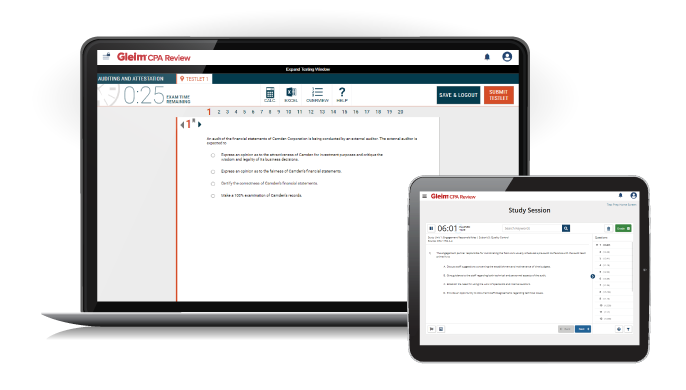
  1. (30 minutes, plus 10 minutes for review) Complete the first 20-question multiple-choice testlet in 30 minutes (excluding the review session). It is expected that your scores will be lower on the first quiz than on subsequent quizzes.
    1. Immediately following the quiz, you will be prompted to review the questions you marked and/or answered incorrectly. For each question, analyze and understand why you answered it incorrectly. This step is an essential learning activity.
  2. (30 minutes) After the initial 20-question test, use the audiovisual presentation for an overview of the study unit.
  3. (45 minutes) The true/false study questions are an excellent study tool. They are interactive and most effective if used prior to studying the Knowledge Transfer outline.
  4. (60 minutes) Study the Knowledge Transfer outline.
  5. (30 minutes, plus 10 minutes for review) Complete Multiple-Choice Quiz #2.
    1. Immediately following the quiz, you will be prompted to review the questions you marked and/or answered incorrectly. For each question, analyze and understand why you answered it incorrectly. This step is an essential learning activity.
  6. (60-90 minutes) Complete the simulation or written communication questions.

Return to top

Minimum Requirements

Make sure your computer meets our minimum requirements.

Return to top